The problem
3D printing arrives in a school as a cool machine and no curriculum. Teachers need a sequence that works for a class of 25 mixed-experience kids, and kids need to learn what will and won't print before the design gets personal.
What I built
- Scaffolded lessons that move from guided shapes (the snowflake series) to open-ended design
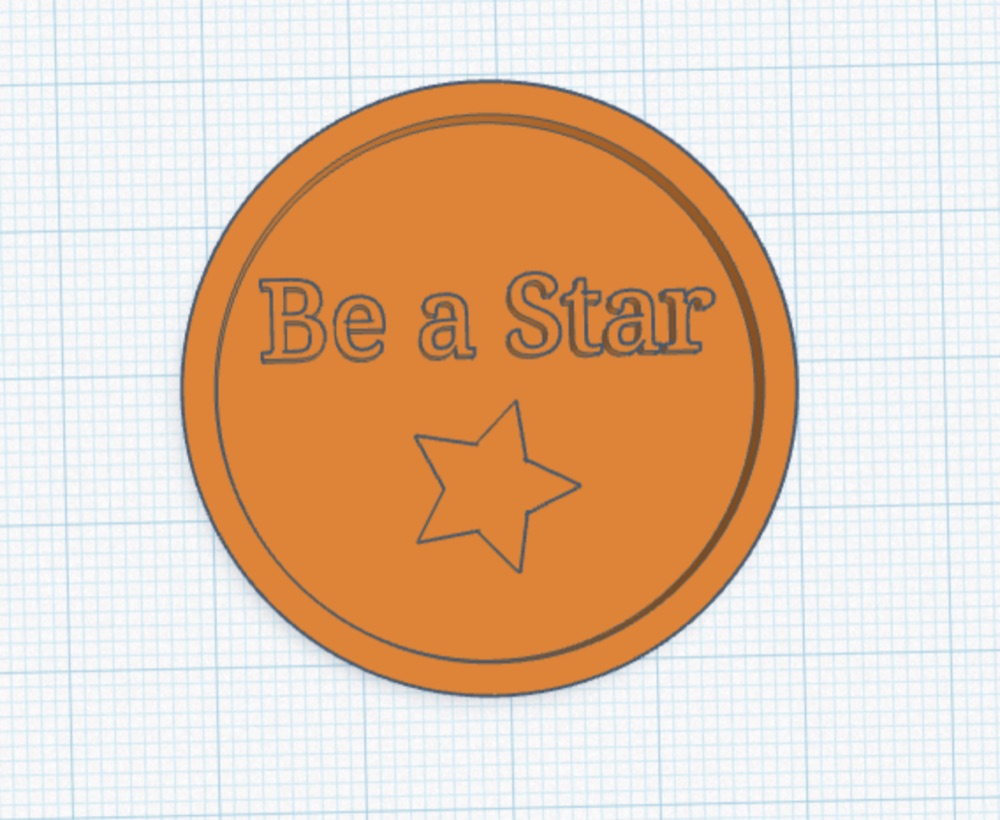
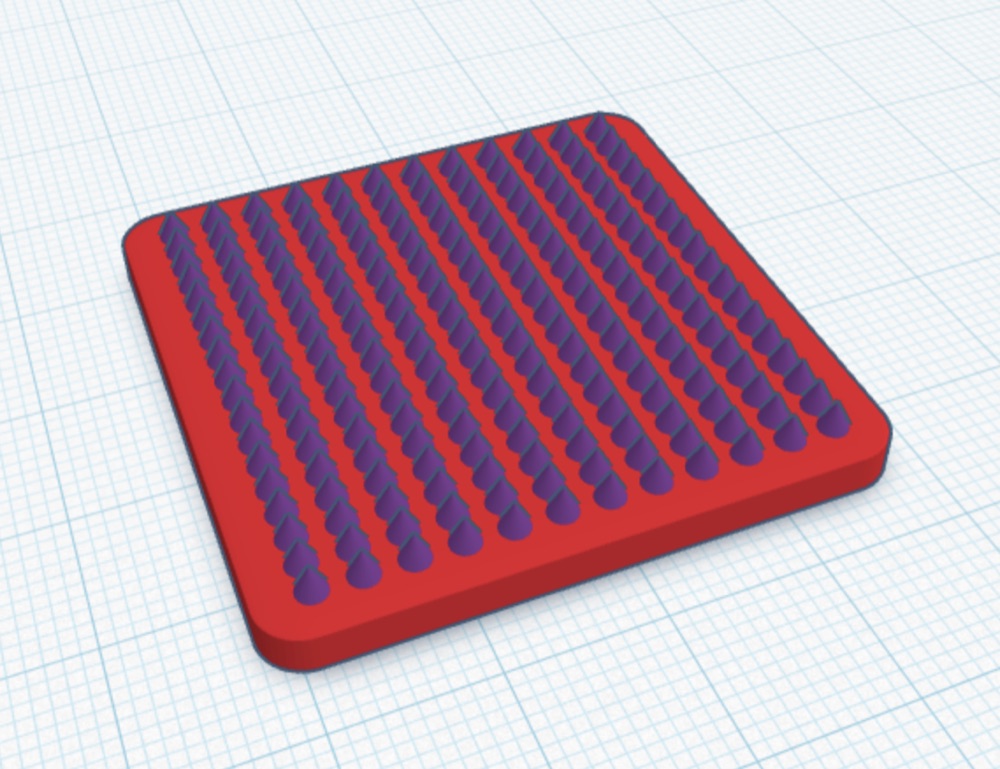
- Three video tutorials (Kindness Coin, Texture Tile, Desk Sign) so a teacher can run the lesson without me in the room
- A student rubric with 3 criteria at 3 levels, written as "I" statements kids can self-assess against
- About 170 unique designs over 18 months across several schools, roughly 110 of them clearly student work
- Print logistics for each school: a submission form, batch printing between sessions, and a per-class print-status tracker
Design for Good: the Grade 5 unit
The newest piece is a draft scope and sequence for an eight-session Grade 5 unit that launches in fall 2026. I wrote the draft and co-designed the unit with the school's technology teacher. Students design and print something that makes daily life easier for a specific group, then test it with real people at a showcase.
From the scope and sequence
"A practice print in Phase 2 lets students see their own design succeed or fail before the work becomes personal. When they reach the capstone, they already know a 0.5 mm wall will snap and a floating part prints as spaghetti."
- Five phases: Learn the Moves, Will It Print?, Design for Good, Build & Print, Test & Share
- Three user groups to design for: children with autism, people with visual impairments, and older adults
- A "print gate": every capstone passes printability checks before it is sliced
- The calendar does the planning: sessions fall 7–11 days apart, so the week between is the print window and printing never uses class time
- Shared roles: the technology teacher and I share user research and interviews, Tinkercad instruction, printability rules and printing across the unit
What this shows
- Curriculum design with a rationale for the order, not only a list of activities
- Writing rubrics students can actually use on themselves
- Turning a one-off skill into video tutorials a teacher can run without the author
- Project planning against a real school calendar, including early-dismissal days