The problem
Teachers were curious about building their own classroom tools with AI but had two blockers: not knowing what was possible, and not knowing how to do it without accidentally collecting student data.
What I built
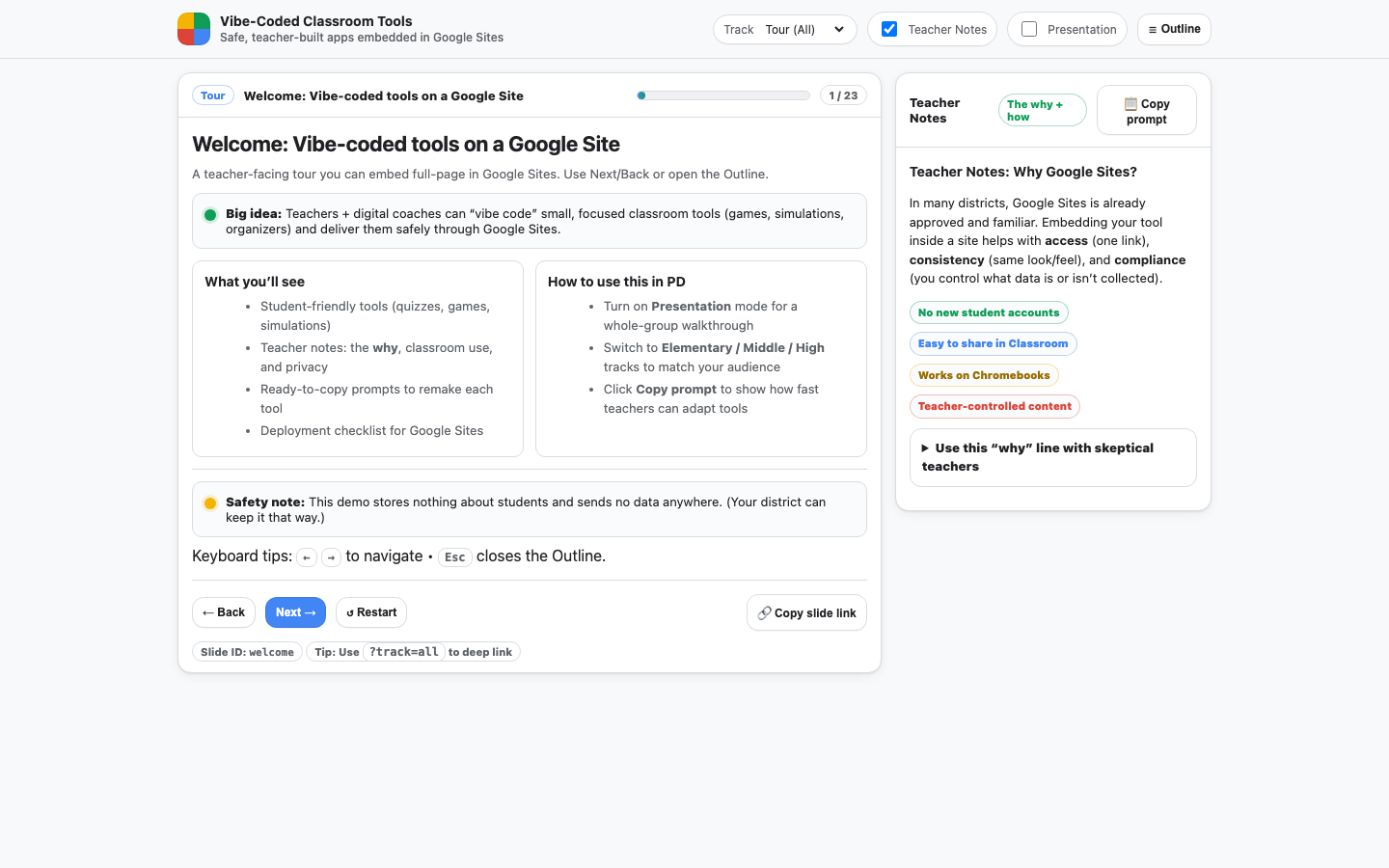
- 23-slide interactive tour with elementary, middle and high school tracks
- 11 working demos including a quiz, memory match, spinner, escape room, projectile simulation, quadratic grapher and a source-credibility rubric
- 29 "copy prompt" cards, each the exact prompt that produced a demo
- A Google Sites blueprint with ready-to-paste page text, a privacy statement, and an FAQ for skeptical teachers
The prompt library
Every prompt bakes in district-safe defaults, so teachers learn the constraints by using them:
Prompt excerpt
"Build a simple, school-safe, single-page web app… with NO logins, NO analytics, and NO external libraries."
The defaults (no logins, no tracking, no network calls) mean a teacher can't accidentally collect student data just by following along.
Instructional design
- Show, then hand over: each demo is live, then paired with the prompt that built it
- Differentiated tracks by grade band via a simple URL parameter
- Addressing objections directly through the FAQ and privacy statement
What this shows for AI training roles
- Writing reusable prompts with the constraints built in
- Teaching non-technical adults to use AI productively and safely
- Designing PD for adults, with tracks for different grade levels